How to sign up for Grvt

Open Grvt through the loweef link, tap Get started, and on the Create your grvt account screen check that the referral code reads loweef. Continue with email, Google, Microsoft, Apple or a wallet, verify your email, and your account is ready — then link your Grvt username to loweef.
-
1
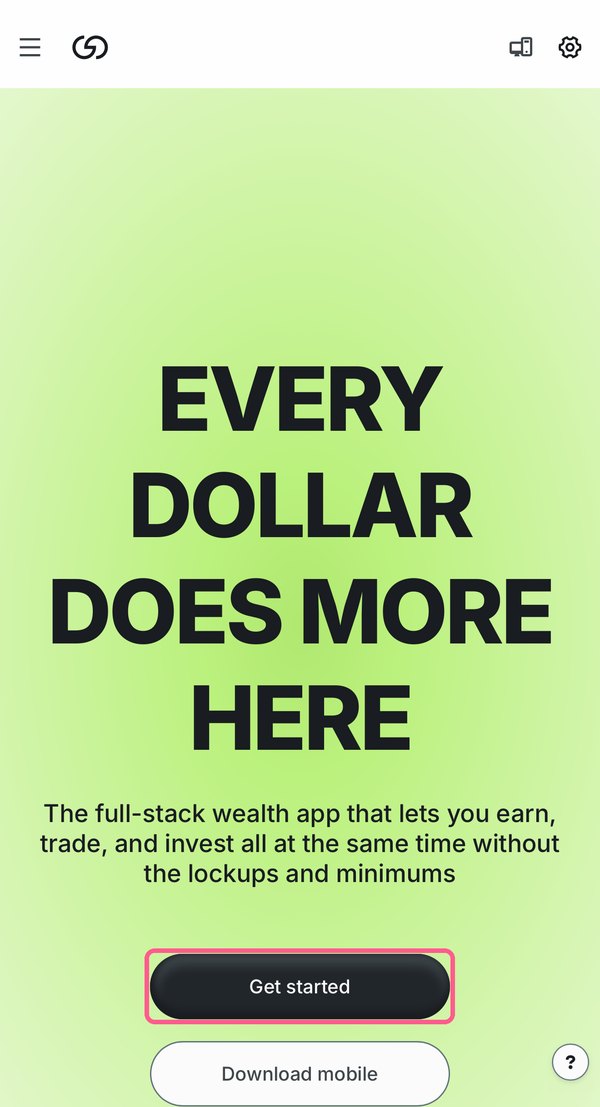
Open Grvt through the loweef link and tap Get started.
Already have an account on Grvt? Payback only works for accounts created through the loweef link, so you would start fresh with a new account (new UID). Your funds stay where they are — nothing is transferred.
-
2
On the Create your grvt account screen, check that the Referral code (Optional) field reads loweef — type it in if it is empty — then tap Next. You can also continue with Google, Microsoft or Apple.
-
3
Follow the prompts to finish: connect your email and enter the verification code it receives. If you sign up with a wallet, confirm the signature request in your wallet.
-
4
Done — your Grvt account is created. Next, find your Grvt username and link it to loweef.
Related questions
Last checked: 2026-11-18
Screenshots as of 2026-11
Screens may change — see Grvt’s official help for the latest →